How I Built a Strapi 5 Plugin to Duplicate Dynamic Zone Components in One Click
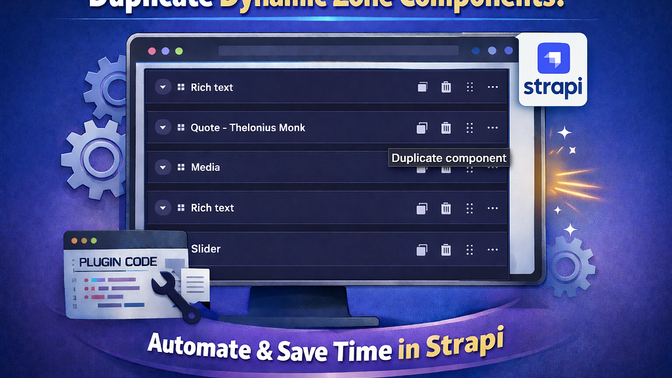
When I was doing local content testing in Strapi, I kept hitting the same repetitive workflow:
- add a dynamic zone block
- fill many fields
- add another nearly identical block
- re-enter almost everything just to change one or two values
After repeating this too many times, I built a plugin to remove the friction.
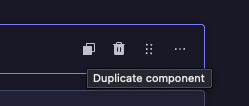
The result is strapi-dz-component-duplicator: a Strapi 5 plugin that adds a Duplicate action next to the existing block actions in dynamic zones (Delete / Drag / More).
The problem
Dynamic zones are powerful for flexible page composition, but heavy editorial work often includes “copy this block, tweak only 10%”.
Without duplication:
- editors re-create similar blocks manually
- nested field structures are rebuilt repeatedly
- error rate increases as content grows
I wanted duplication directly inside the existing Content Manager edit UI, with no extra modal and no custom page.
What the plugin does
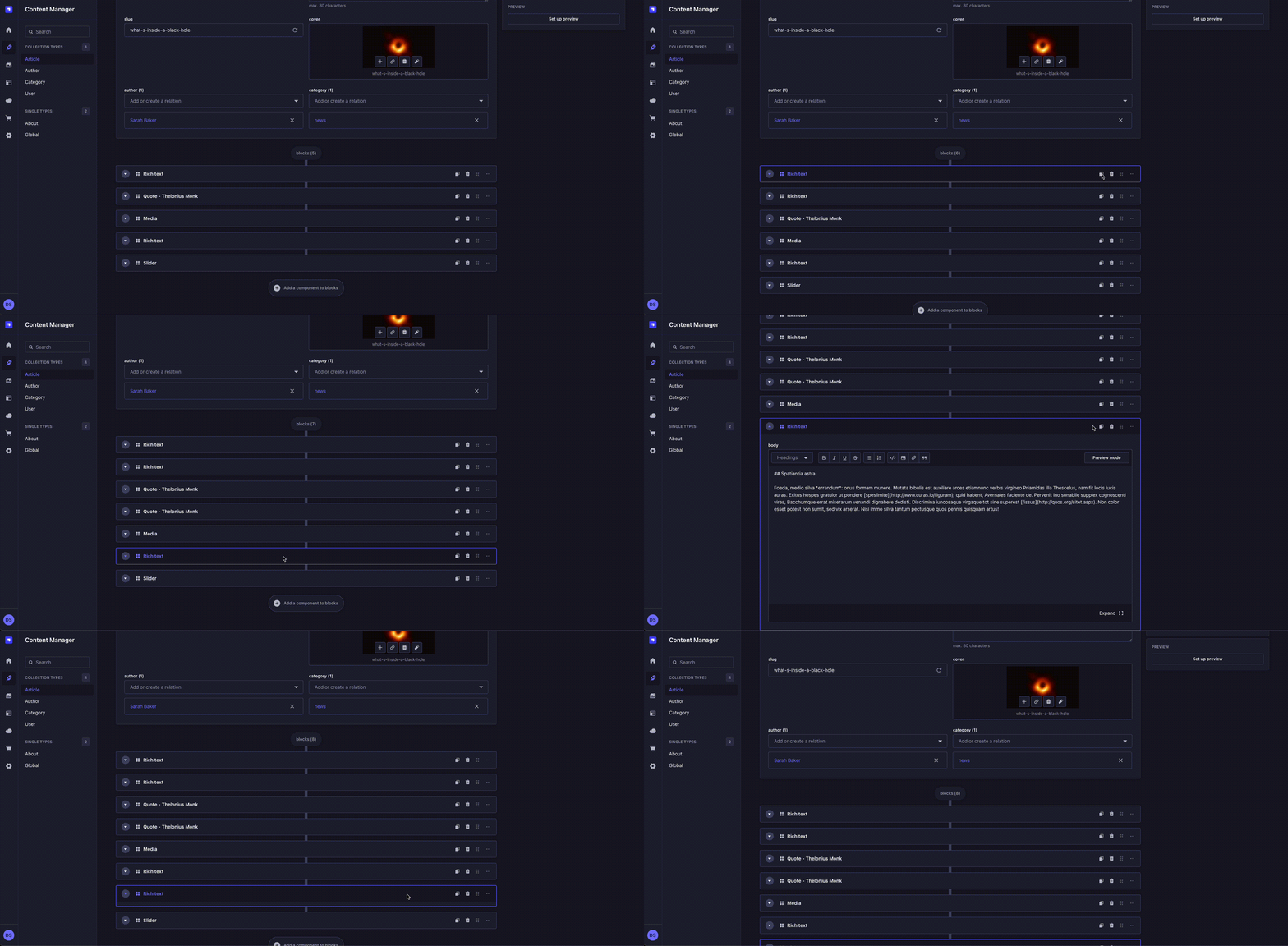
For each dynamic zone block row in Content Manager edit view:
- Adds a Duplicate component action button
- Reads that exact block from form state
- Deep-clones it
- Removes transient identity keys (id, documentId,
__temp_key__) - Inserts the clone immediately after the original block
How it works internally
1) Plugin package surface
The plugin uses Strapi’s plugin entry points via package exports:
./strapi-admin->admin/src/index.mjs./strapi-server->server/src/index.js
This keeps runtime split aligned with Strapi plugin loading in admin/server contexts.
References:
2) Admin bootstrap and injection zone registration
In admin/src/index.mjs, the plugin does:
app.getPlugin(‘content-manager’)- guards for injectComponent availability
- injects one component into editView zone right-links
- deduplicates injection by name using getInjectedComponents
Why this matters:
- In Strapi 5, some historic zone names exist in types but aren’t reliably rendered where you need them.
- editView/right-links is rendered consistently and gives runtime access to Content Manager context for edit pages.
3) Runtime integration component
The injected component (DynamicZoneActionInjector) is intentionally “headless” (returns null) and operates as a behavior layer.
It uses:
unstable_useContentManagerContext()to access form, values, components, isLoadinguseNotification()for failure feedbackuseIntl()for labels
Core runtime strategy:
- inspect rendered edit DOM for dynamic-zone row action bars
- map each row to the corresponding form path/index
- inject actionable duplicate buttons
4) DOM-to-form mapping algorithm
The hardest part is not cloning; it’s locating which row maps to which form value.
The plugin uses two resolution strategies:
Strategy A: Field-name path extraction (preferred)
For each row (ol > li):
- collect descendant elements with [name]
- parse dotted paths (blocks.3.title, etc.)
- detect numeric path segments (candidate indices)
- walk the path in form.values (getIn) and validate candidate as dynamic-zone item (__component exists)
If valid:
- dynamic zone path = everything before index segment
- index = parsed segment
This is the most deterministic and resilient path when inputs are available.
Strategy B: Structural fallback by list correlation
When field names are missing (collapsed rows, edge UI states):
- find closest
<ol> - compute row index within sibling
<li>nodes - recursively collect candidate dynamic-zone arrays from form.values
- filter candidates by:
— same array length as rendered list
— item at row index is dynamic-zone item
If multiple candidates remain:
- disambiguate via component display name text and components[uid].info.displayName.
This fallback is what makes the plugin robust under different row expansion states.
5) Duplication pipeline
Once (dynamicZonePath, index) is known:
- item = getIn(valuesRef.current, `${dynamicZonePath}.${index}`)
- deep clone:
— uses structuredClone when available
— falls back toJSON.parse(JSON.stringify(…)) - sanitize clone recursively:
— remove id
— remove documentId
— remove__temp_key__
— preserve media references intact (objects with a mime property keep their id/documentIdso Strapi maintains file relations on save) - insert with:
—form.addFieldRow(dynamicZonePath, cloned, index + 1)
This leverages native Content Manager mutation APIs rather than mutating form internals directly.
6) Button rendering strategy: why plain DOM button
A subtle Strapi 5 issue is rendering standalone React roots for each injected row action can lose expected provider context/styling behavior depending on runtime composition.
To avoid that:
- the plugin injects a native
<button>into the existing action row - reuses class name from existing action button (anchor.className)
- inserts custom SVG icon path
- uses aria-label and title
- binds click handler with preventDefault + stopPropagation
This avoids context coupling and keeps action-row behavior predictable.
7) Mutation lifecycle and cleanup
Because edit UI can re-render frequently:
- a MutationObserver watches document.body (childList + subtree)
- mutations are throttled via requestAnimationFrame to batch rapid DOM changes into a single injection pass per frame on each pass, the observer temporarily disconnects
- existing injected nodes are removed via [data-dz-component-duplicator-action]
- all click listeners from removed buttons are cleaned up via AbortController signal
- row scanning/injection re-runs
- observer re-attaches
This prevents duplicate button accumulation and keeps UI in sync with row reorder/add/remove operations.
8) Performance and safety considerations
- DOM mutations are batched per animation frame via requestAnimationFrame, preventing excessive re-processing during rapid UI updates
- Traversal scope is constrained to ol > li row patterns (not full semantic parse of entire admin)
- row-to-path resolution uses early exits to minimize expensive fallback paths
- Button anchor detection prefers semantic aria-label selectors over positional button-count heuristics
- Event listeners are managed via AbortController for clean teardown on each injection cycle
- Injection is idempotent through cleanup markers
- Failures in duplication path surface non-blocking toast notifications instead of crashing edit view
Install and implement
npm install strapi-dz-component-duplicator
# or
pnpm add strapi-dz-component-duplicator
# or
yarn add strapi-dz-component-duplicator
Enable in config/plugins.ts :
export default () => ({
  'strapi-dz-component-duplicator': {
    enabled: true,
  },
});
Then rebuild admin:
npm run build
# or
npm run develop
Best usage patterns
Most value comes when editors handle repeated patterns:
- Landing pages with many variant blocks
- Repeated testimonial/feature/CTA modules
- Galleries where only a subset changes
- Structured content QA and local prototyping
This is especially useful in editorial teams where speed and consistency matter more than novelty per block.